Enterprise Digital Assistant: A Practical Guide
What is an Enterprise Digital Assistant and How Does it Benefit My Business?
An enterprise digital assistant is an automated software tool designed to help businesses streamline operations, improve efficiency, and automate routine tasks. It acts as a virtual helper, performing functions that range from data entry and report generation to customer service interactions and inventory management, freeing up human staff for more strategic work.
For businesses in Africa, especially those navigating unique operational challenges, these assistants offer significant benefits by reducing manual workload, enhancing accuracy, and providing critical data insights. They help reduce bottlenecks, accelerate task completion, and ultimately improve overall productivity and decision-making.

How Can an Enterprise Digital Assistant Help Businesses in Nigeria and Africa?
Operating in regions like Nigeria often means dealing with specific challenges such as unreliable power supply, inconsistent internet connectivity, and a prevalence of paper-based record systems. An enterprise digital assistant, when designed with these realities in mind, can be a transformative tool:
Improved Efficiency Despite Infrastructure Challenges
Digital assistants can be built to operate with offline capabilities, storing data locally and syncing automatically whenever a stable internet connection becomes available. This ensures business continuity even during outages. For instance, field sales teams can record orders offline and upload them when they return to a location with connectivity.
Better Resource Allocation
By automating repetitive and time-consuming tasks, your human employees can focus on higher-value activities that require critical thinking, creativity, and direct customer interaction. This is crucial for businesses with small teams and tight budgets, maximizing the impact of every staff member.
Enhanced Customer Experience
Digital assistants can manage customer inquiries, process orders, and provide instant information, leading to faster response times and improved satisfaction. This is particularly valuable in markets where competitive advantage often hinges on service quality and speed.
Practical Steps to Implement an Enterprise Digital Assistant
Implementing a digital assistant doesn't have to be a daunting task. Follow these steps to introduce automation effectively into your operations:
Identify Pain Points and Manual Processes
Start by identifying areas in your business that are heavily reliant on manual effort, prone to errors, or consume excessive time. Look for tasks that are repetitive, rule-based, and don't require human judgment. Examples include data entry, generating standard reports, processing invoices, or managing inventory.
Define Clear Objectives
What do you hope to achieve with automation? Is it to reduce costs, improve accuracy, speed up processes, or enhance customer satisfaction? Having clear, measurable objectives will guide your implementation and help you track success. For example, an objective could be: "Reduce manual invoice processing time by 30% within six months."
Map Out Existing Processes
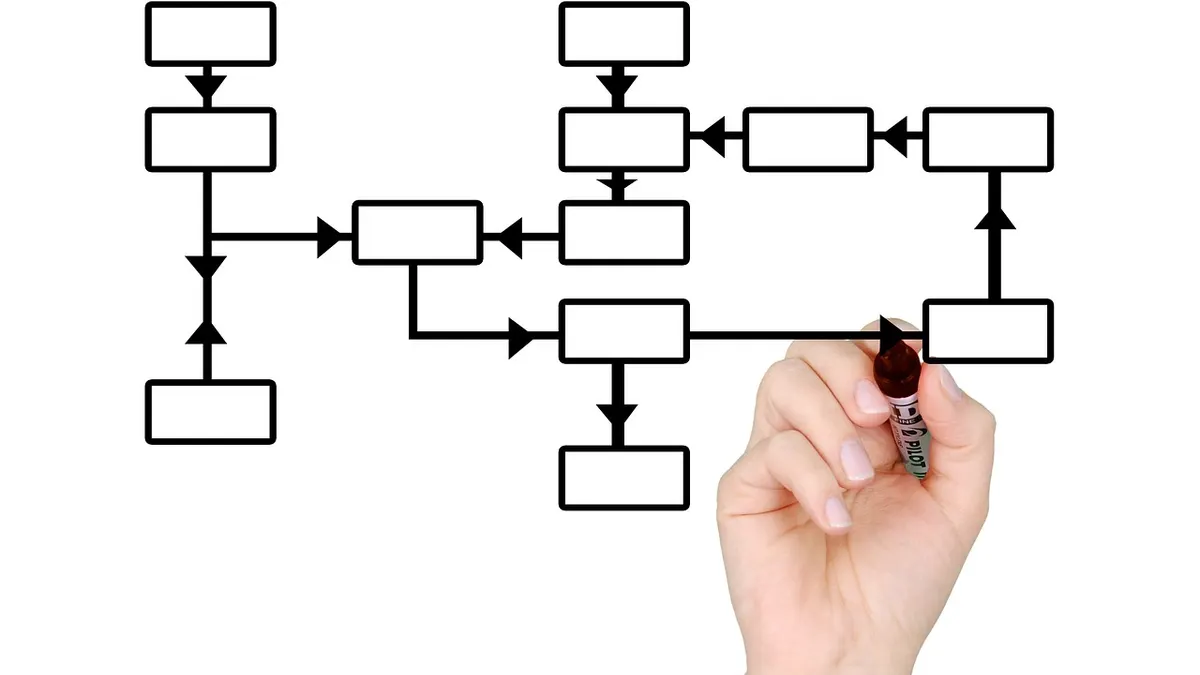
Before automating, thoroughly understand your current workflows. Document each step, who is responsible, what tools are used, and where bottlenecks occur. This mapping helps identify opportunities for improvement and ensures the digital assistant is designed to fit your real-world operations.
Choose the Right Tools or Solutions
Consider whether off-the-shelf solutions can meet your needs or if a custom-built solution is more appropriate. For many growing businesses in Africa, custom solutions can be more adaptable to specific challenges like integrating with unique local payment systems or operating efficiently with limited infrastructure. Focus on solutions that offer flexibility, scalability, and robust support.
Pilot and Test
Start small. Implement the digital assistant in one specific area or department first. This allows you to test its effectiveness, identify any unforeseen issues, and make necessary adjustments before a wider rollout. A pilot program helps build confidence and provides valuable feedback.
For example: Imagine a small manufacturing company in Kaduna that primarily uses paper records for tracking raw materials and finished goods. They experience frequent stockouts and production delays due to manual inventory checks and errors. Their objective is to improve inventory accuracy and reduce stockouts by 20%.
Instead of a full ERP, they decide to pilot a digital assistant focused solely on inventory. They implement a system where warehouse staff use a rugged tablet (chosen for durability and battery life) to scan items as they arrive and depart. The digital assistant is configured to work primarily offline, storing all data locally on the tablet. It automatically updates stock levels, triggers reorder alerts when materials fall below a set threshold, and generates daily inventory reports. When an internet connection becomes available (e.g., via a mobile hotspot or at the end of the day when a stable connection is found), the system automatically syncs its data with a central server. This simple pilot reduces manual tracking effort, improves data accuracy, and helps prevent stockouts, demonstrating immediate value.
Train Your Team
Successful adoption hinges on your employees embracing the new tools. Provide comprehensive training that covers how to use the digital assistant, its benefits, and how it impacts their daily roles. Address concerns and gather feedback to foster a positive transition.
Monitor and Refine
Implementation is not a one-time event. Continuously monitor the performance of your digital assistant against your defined objectives. Collect data on efficiency gains, error reduction, and user satisfaction. Be prepared to make iterative improvements and adjustments to optimize its performance and adapt to evolving business needs. Regular maintenance and updates are also crucial.
Common Mistakes to Avoid When Adopting Digital Assistants
While the benefits are clear, several pitfalls can hinder successful implementation:
- Ignoring Current Infrastructure Limitations: Don't assume a solution built for high-bandwidth, stable power environments will work seamlessly. Prioritize solutions designed for or adaptable to local power fluctuations and internet reliability. Consider
Frequently asked questions
What's the difference between a digital assistant and AI?
A digital assistant is a software program designed to perform specific tasks and automate processes based on pre-programmed rules. While some advanced digital assistants may incorporate Artificial Intelligence (AI) for tasks like natural language understanding or predictive analytics, not all digital assistants are AI-driven.
Can small businesses use enterprise digital assistants?
Yes, small businesses can significantly benefit from digital assistants by automating repetitive tasks, improving efficiency, and freeing up valuable staff time. Solutions can be scaled to fit smaller operations, starting with specific pain points rather than a full-scale enterprise implementation.
How much does it cost to implement a digital assistant?
The cost of implementing a digital assistant varies widely depending on complexity, customization, and integration needs. Simple solutions might involve subscription fees, while custom-built systems involve development costs. Focus on the return on investment (ROI) rather than just the upfront cost, as efficiency gains often outweigh initial expenditure.
What kind of tasks can a digital assistant automate?
Digital assistants can automate a wide range of tasks including data entry, report generation, email management, scheduling, customer support (via chatbots), inventory tracking, invoice processing, and lead qualification. Any rule-based, repetitive task is a strong candidate for automation.
Is it secure to use digital assistants with sensitive business data?
Security is paramount. Reputable digital assistant solutions and custom software developers prioritize data encryption, access controls, and compliance with data protection regulations. Always ensure your chosen solution or developer has robust security measures in place to protect your sensitive business information.